
Manage files on your local disk using MV Tools
This tutorial will guide you through managing files on your local disk using MV Tools. Learn how to add local folders, create new folders, rename and delete files, and browse folder structures efficiently. MV Tools is designed as a local-first file and multi-cloud management tool, making file organization, transfer, and synchronization simpler and more intuitive.
Video Tutorial: Manage files on your local disk using MV Tools
Watch our step-by-step video tutorial to learn how to efficiently manage files on your local disk using MV Tools. This video demonstrates adding local folders, creating new folders, renaming and deleting files, and browsing folder structures.
Click "Add Drive" and select "Local Drive"
In the MV Tools interface, click the "Add Drive" button to add a new drive. From the dropdown menu, select "Local Drive" to begin adding your local disk folders to MV Tools.
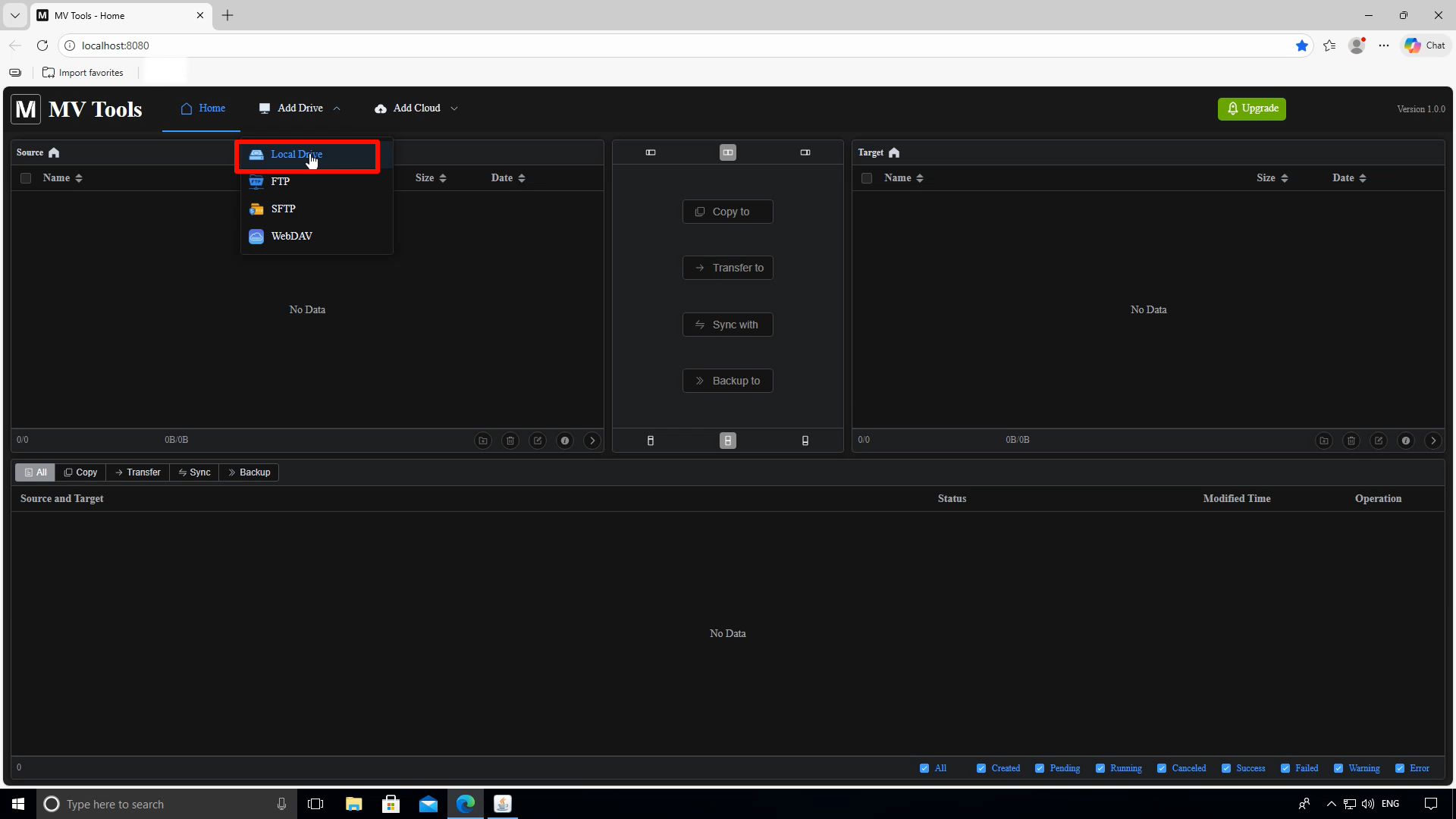
Local Drive supports local disk folders and shared folders
MV Tools Local Drive feature supports both local disk folders on your computer and network shared folders. This gives you flexibility in managing files from various sources within a single interface.
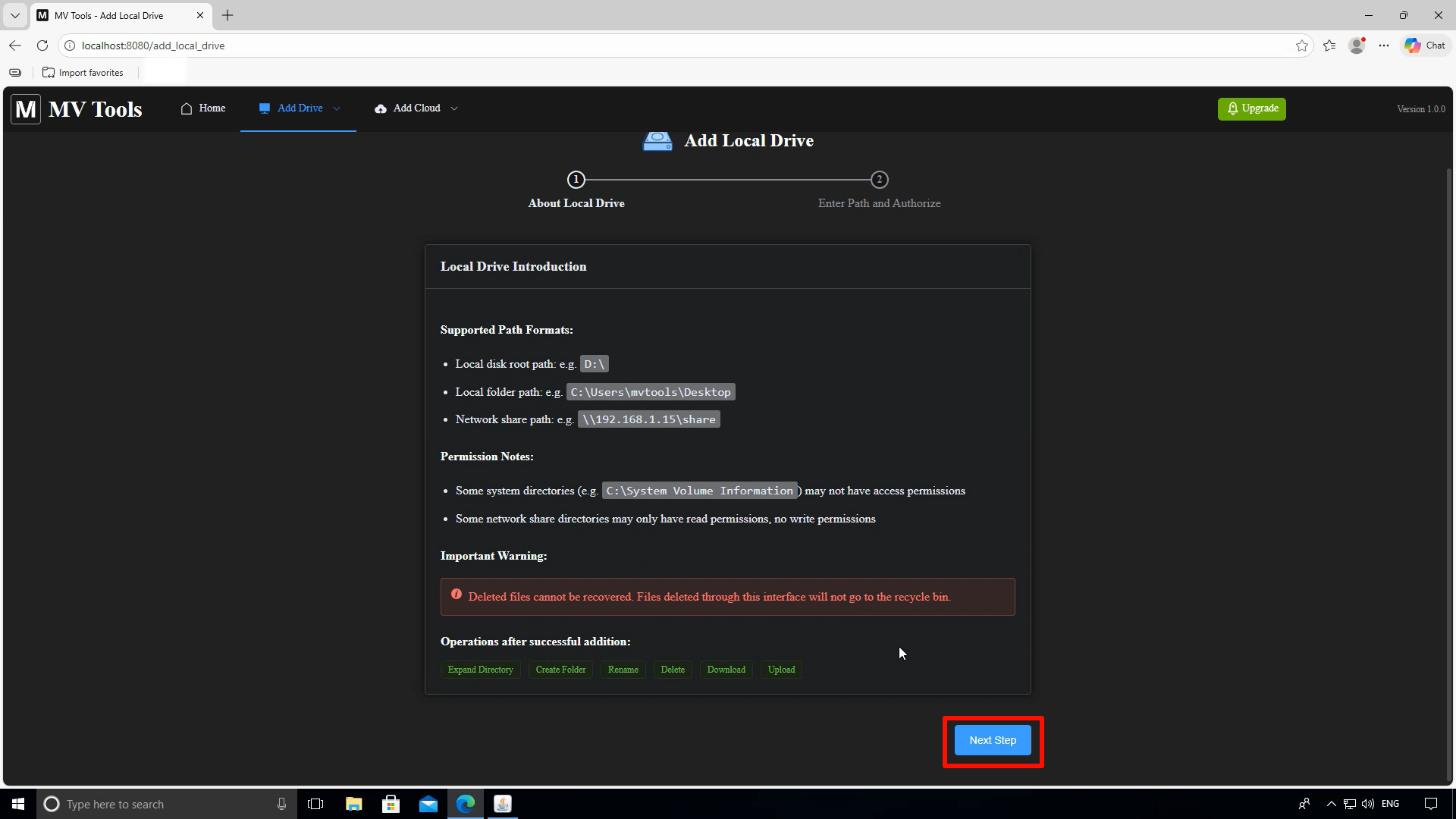
Enter the absolute path of the folder
Enter the absolute path of the folder you want to add to MV Tools. For example, on Windows you might enter "C:\Users\YourName\Documents" or any other folder path you wish to manage.
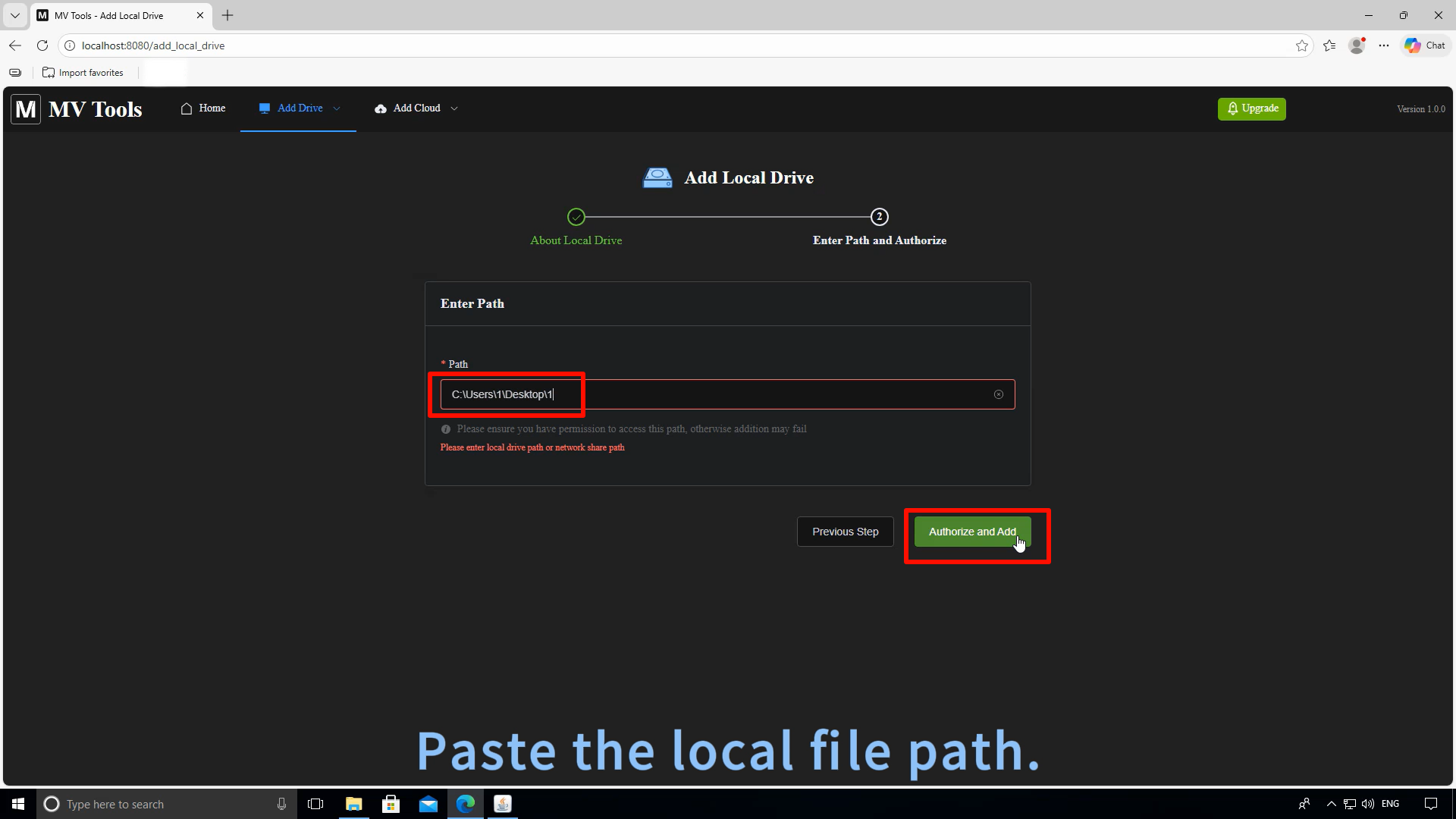
Folder automatically expands after successful addition
After successfully adding the folder, MV Tools will automatically expand and display the folder structure. You can now browse through all files and subfolders within the added directory.
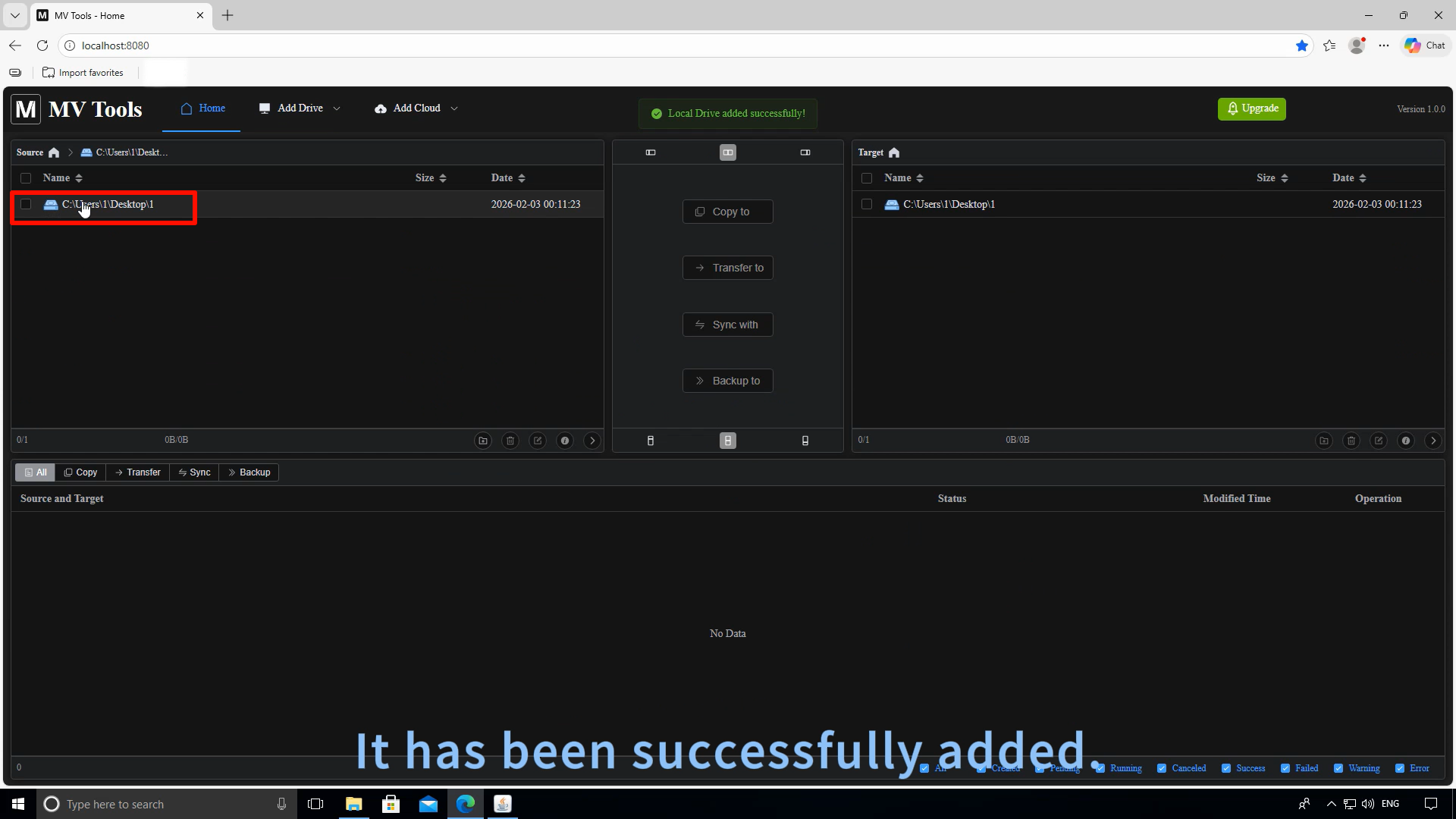
Create folders, rename, and delete files
Now you can perform various file management operations directly within MV Tools: create new folders, rename existing files and folders, delete unwanted items, and manage your local files efficiently.
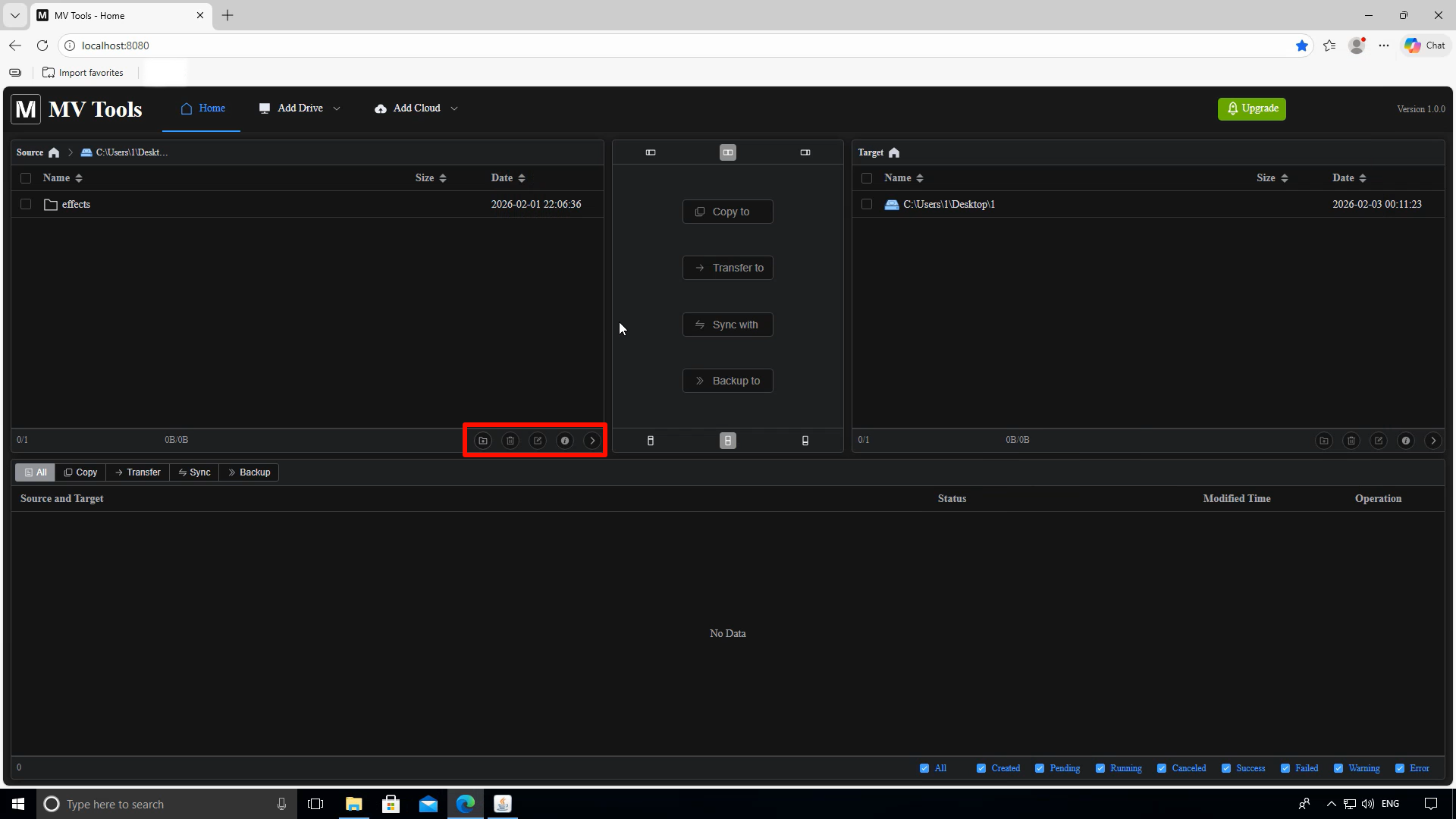
MV Tools Local File Management Features
Browse Folder Structures
Expand and browse through folder structures to find and manage your files easily.
Create New Folders
Create new folders directly within MV Tools to organize your files efficiently.
Rename Files and Folders
Quickly rename files and folders to keep your file structure organized and meaningful.
Delete Files and Folders
Safely delete unwanted files and folders directly from the MV Tools interface.